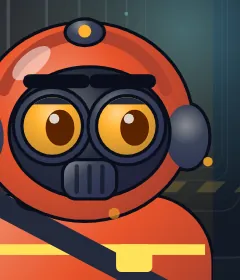
Liquidator Naphtha and fire
Gordey Ryabov
Spent twenty years putting out fires at the oil depot. A simple, strong hero for the first chapters. He is looking for a crew that went down an hour before him.
“Spill. Step back. Light it.”
Roguelike for Android · works offline
Run: spill reagent. Stop: blow it up.
The Catalysis Institute under the city has gone quiet. Six sectors, one reactor. A crew of four is heading down, and their weapon is odd: the route they run.
01 // How to play
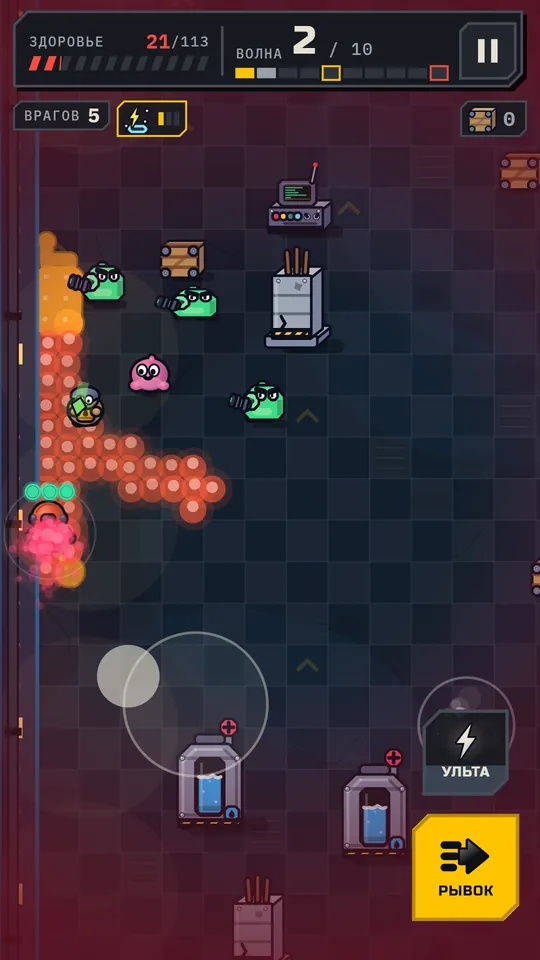
One-handed controls: a thumb on the left half of the screen. There is no fire button, your hero shoots on his own when he stands still.
Your hero leaves a strip of reagent behind him. Enemies chase you straight across it.
Stand still and catalysis charges build up over the hero while the auto-fire starts.
A charged shot ignites the puddle. The reaction hits everyone who stepped on the trail.
Catalysis
Six reagents, four elements, and every pairing does something different. Pick a pair and see.
Names and descriptions come from the game. Some numbers are simplified.
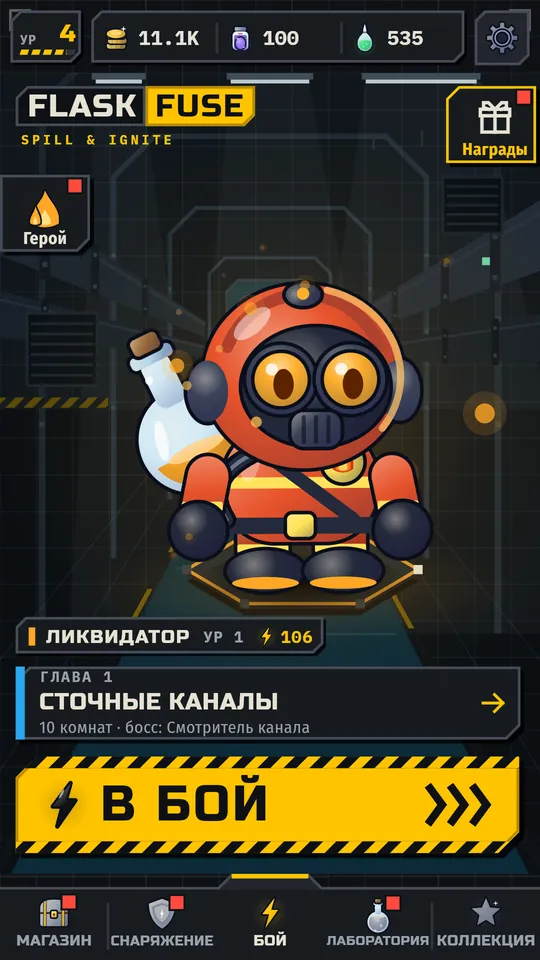
02 // Screens
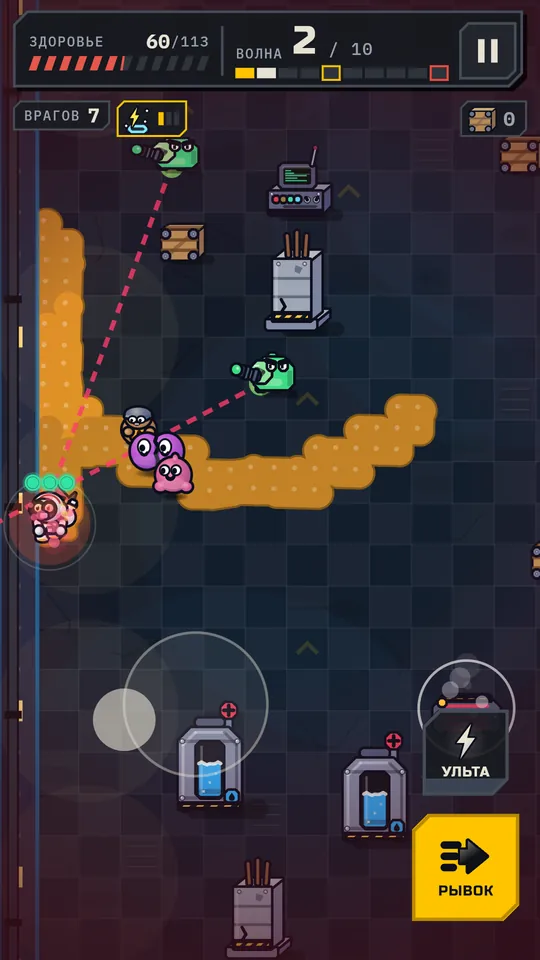
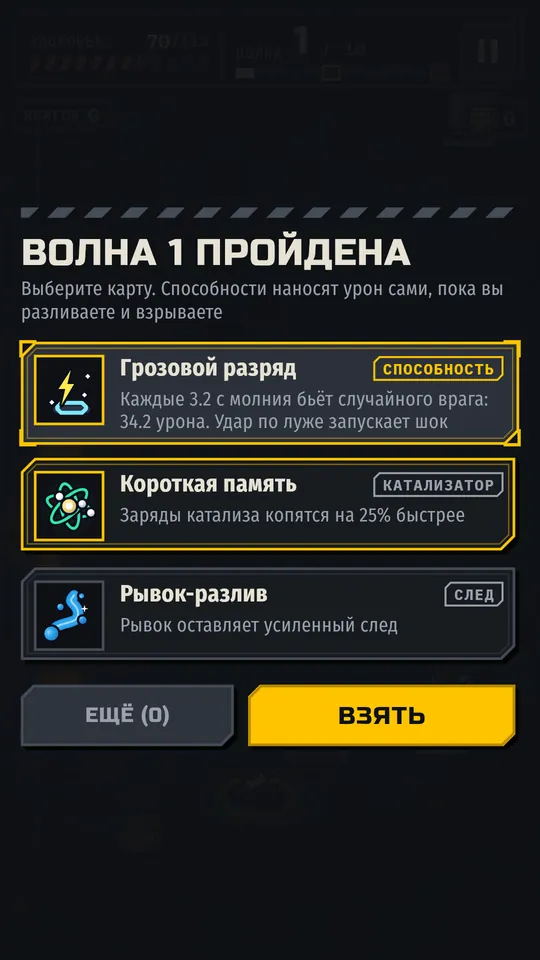
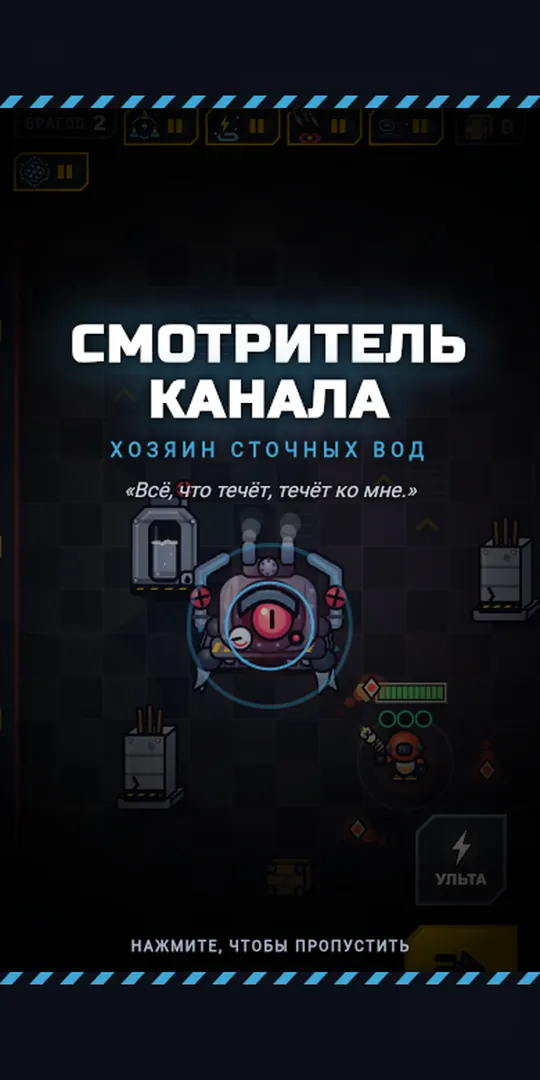
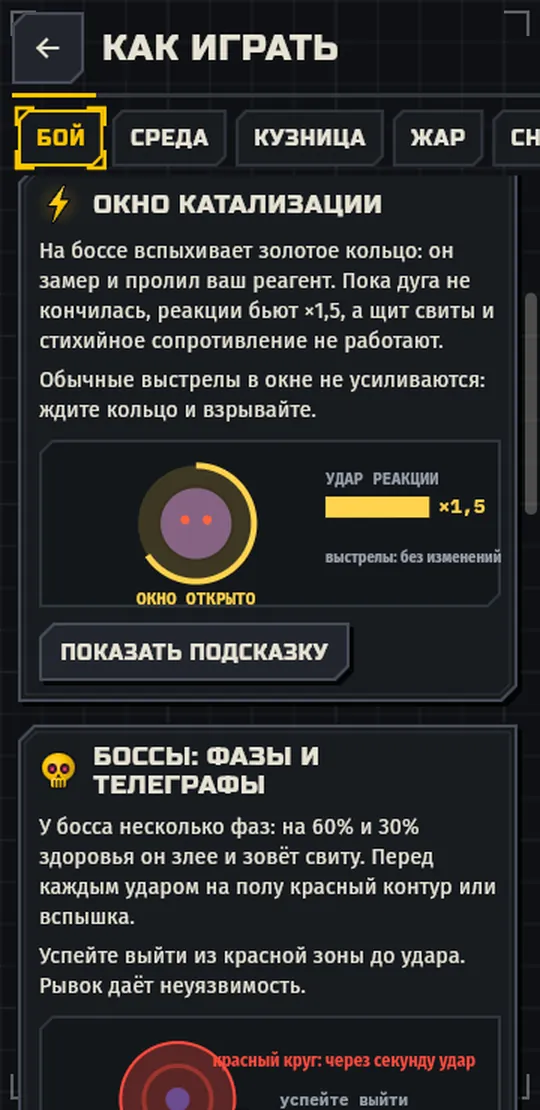
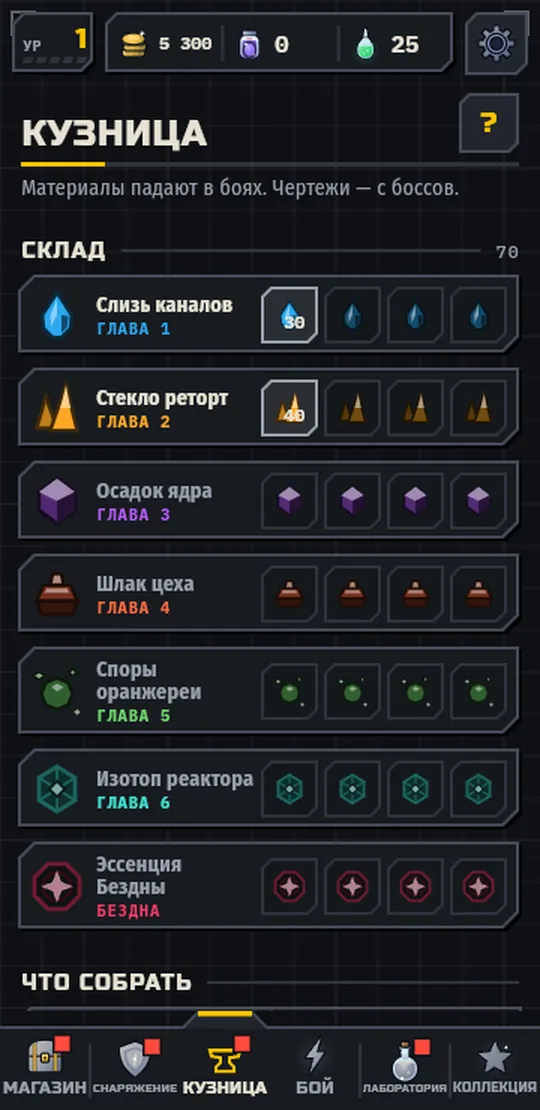
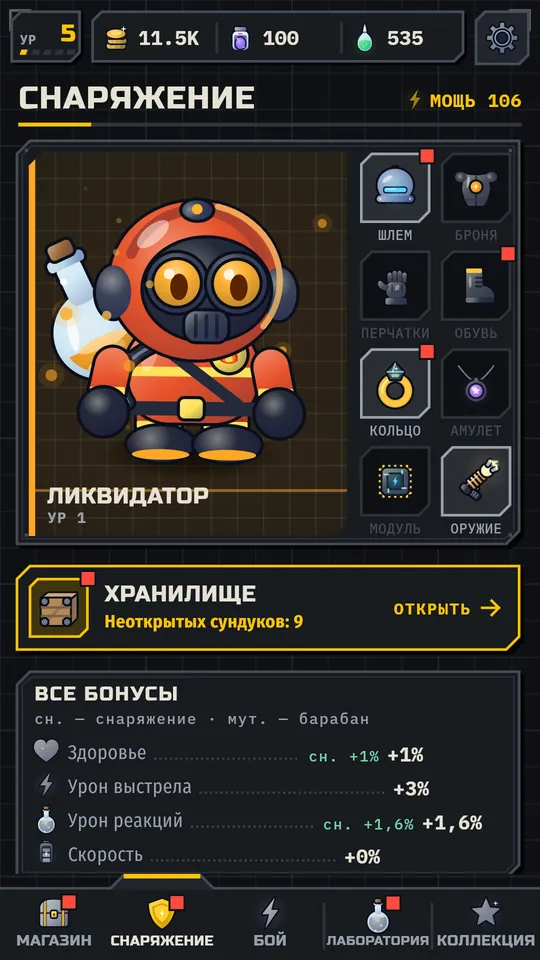
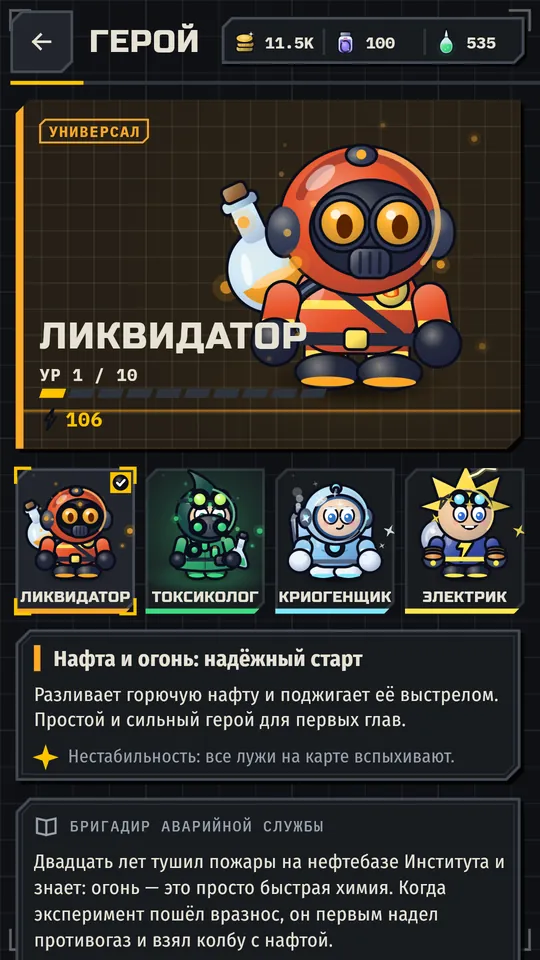
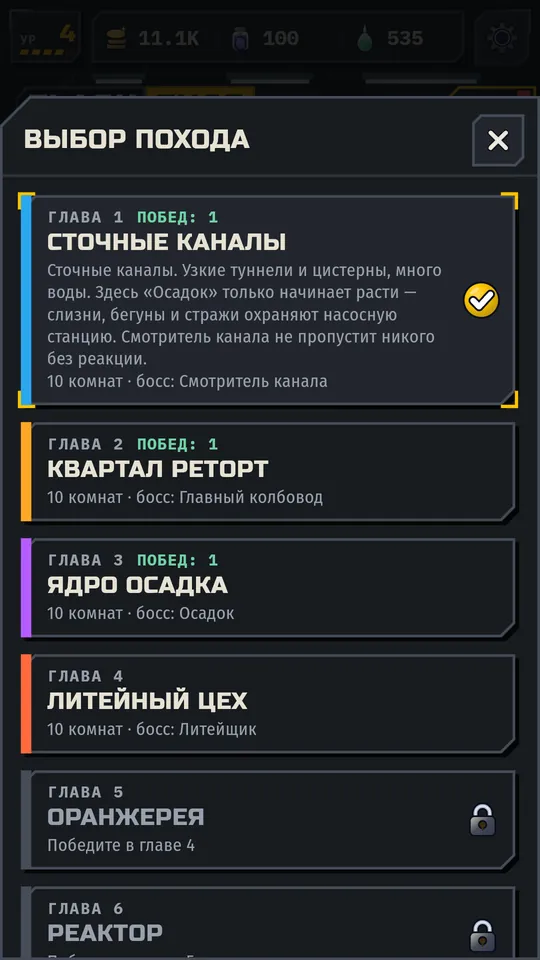
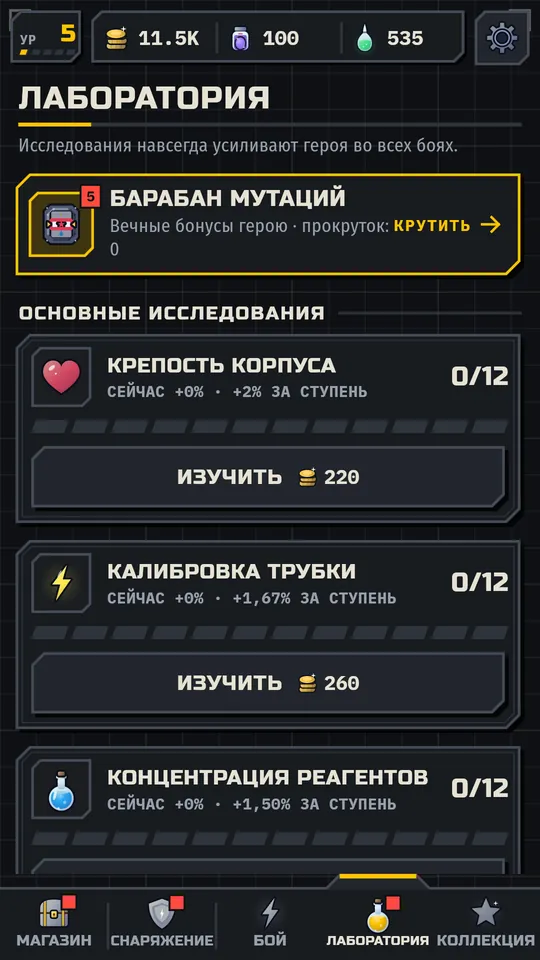
Swipe right
03 // The crew
Each has his own style and his own reactions. You lead one, the other three are with you in the story.
Liquidator Naphtha and fire
Spent twenty years putting out fires at the oil depot. A simple, strong hero for the first chapters. He is looking for a crew that went down an hour before him.
“Spill. Step back. Light it.”
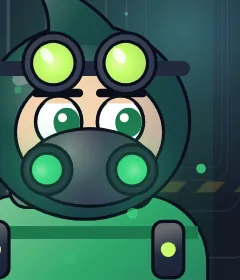
Toxicologist Acid
Dry sarcasm and quotes from protocols. She is sure the Sediment formula was swapped: the signature is hers, the handwriting is not.
“Do Sediment doses in the blood count?”

Cryogenicist Cold and condensate
Speaks softly and slowly. Freezes enemies and sets the pace of a fight. He hears a signal from chamber number seven and cannot leave it.
“Calm is a reagent too.”
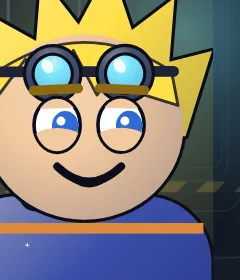
Electrician Mercury and current
Loud and funny when he is scared. Chain lightning makes him the sharpest of the crew. He has to give the city its light back.
“A fitter walks into a bar. The rest is a fizzle.”
Story
The Sediment experiment was meant to heat the city forever. Instead it came alive, started to grow and reaches downward, toward the heat of the reactor. The Institute’s director has not answered since the first hour of the accident, and the speakers play a recording: “scheduled works.” On your way down you learn who really called the crew. Short scenes play between runs: you can skip them, and everything you have read stays in the Journal.
Scenes between chapters, four choices, personal stories for each hero and two secret epilogues. The story is in Russian for now.
04 // What is inside
Risk levels from 0 to 20. Each adds one real combat rule, and the rules stack.
Heat 2: burning stripes along the walls. Heat 9: no safe circle under your feet. Heat 18: standing still for over 1.5 seconds is forbidden.
Rewards grow with the risk.
Bosses drop materials and blueprints. They become a hero’s personal weapon: flamethrower, venom gun, cryo beam, chain lightning.
Seven materials, twelve recipes. The higher the Heat, the rarer the materials and the likelier the blueprints.
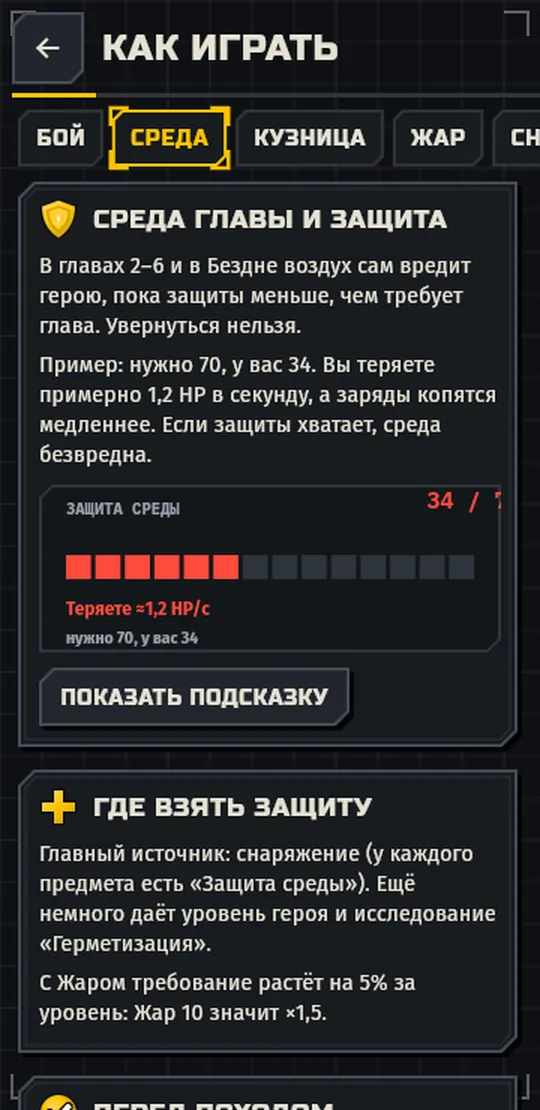
From chapter 2 the air itself hurts you until your protection meets the chapter’s demand. You get it from gear.
A red “Protection 34/70” badge in a fight tells you how far short you are.
Every boss has phases, red telegraphs and its own way of leaning on you. At 60% health he goes berserk.
But now and then a boss freezes and spills reagent: a golden ring. That is the catalysis window, and reactions inside it hit 1.5 times harder.
Endless rooms, changing conditions, mini-bosses. Unlocks after the story.
A card to pick after every wave. Five auto-abilities grow to level three, plus mutations, trails and curses.
A daily run, weekly goals, records and achievements. In case you need a reason to come back.
Requirements
05 // Install
The game is not in Google Play yet, so you install the file by hand, like any app from outside a store.
Tap “Download for Android”. The page downloads the game itself (about 29 MB), checks its checksum and only then offers to save it. Chrome may warn that APK files can be harmful. That is its standard line for every APK, choose “Download anyway”.
Your phone will ask about “Install unknown apps”. Open the settings and switch it on for the browser you downloaded with. On Android 7: Settings → Security → “Unknown sources”.
Find it in Downloads or in the browser’s notification, and tap “Install”. If Play Protect asks what to do, choose “Install anyway”.
After installing, go back to the same settings and switch the permission off for the browser. The game stays installed.
If your phone is very old (32-bit processor) and the main build says “app not supported”, take this one.
Download the 32-bit version (27 MB)The page checks it for you. To verify by hand, the genuine files have these SHA-256 checksums:
arm64-v8a: Flaskfuse-1.0.0.apk
c7d93ff6466b79535d9a21394030faca6569479e65ad776c0baa287c1c7d9d27armeabi-v7a: Flaskfuse-1.0.0-armeabi-v7a.apk
adce43816aa41e96c8c10e6ad4f163a2696dce8b2670f78f52929f58697f98a6Windows (PowerShell):
Get-FileHash .\Flaskfuse-1.0.0.apk -Algorithm SHA256macOS and Linux:
shasum -a 256 Flaskfuse-1.0.0.apkAll 64 characters must match. If even one differs, do not install the file and download it again.
06 // FAQ
You can verify the file: its SHA-256 is above, and a match means nothing was swapped on the way. The game asks for no permissions, never goes online and collects no data. Still, only download it from this site.
We are preparing the store page, it is coming soon. Until then there is a direct file. When the game appears in Play, this site will link to it.
Your progress stays on your phone. The game needs no account and sends nothing out. Full text: the privacy policy.
This version has no ads and no paid purchases for real money.
Download the new APK from this page and open it over the old one: your progress is kept. The current version is shown at the top of the page.
Like any app: Settings → Apps → Flaskfuse → Uninstall. Your progress goes with it. To erase only progress, use Settings → Progress → “Start over” inside the game.
A contact address will appear on this page very soon. Until then, write where you got the link to the game: phone model, Android version and what happened.
Check that you have Android 7.0 or newer. If it says “app not supported”, your phone is 32-bit: take the build from the “For old phones” block in the Install section. If nothing helps, write to us.
One file, no accounts. The descent starts in the lobby.